


How to Use the FidzTech App
No calls. No hassle. Professional pest control at your fingertips. FidzTech is designed to make pest control booking fast, transparent, and stress-free.
Step 1: Sign In and Select Your Pest Issue
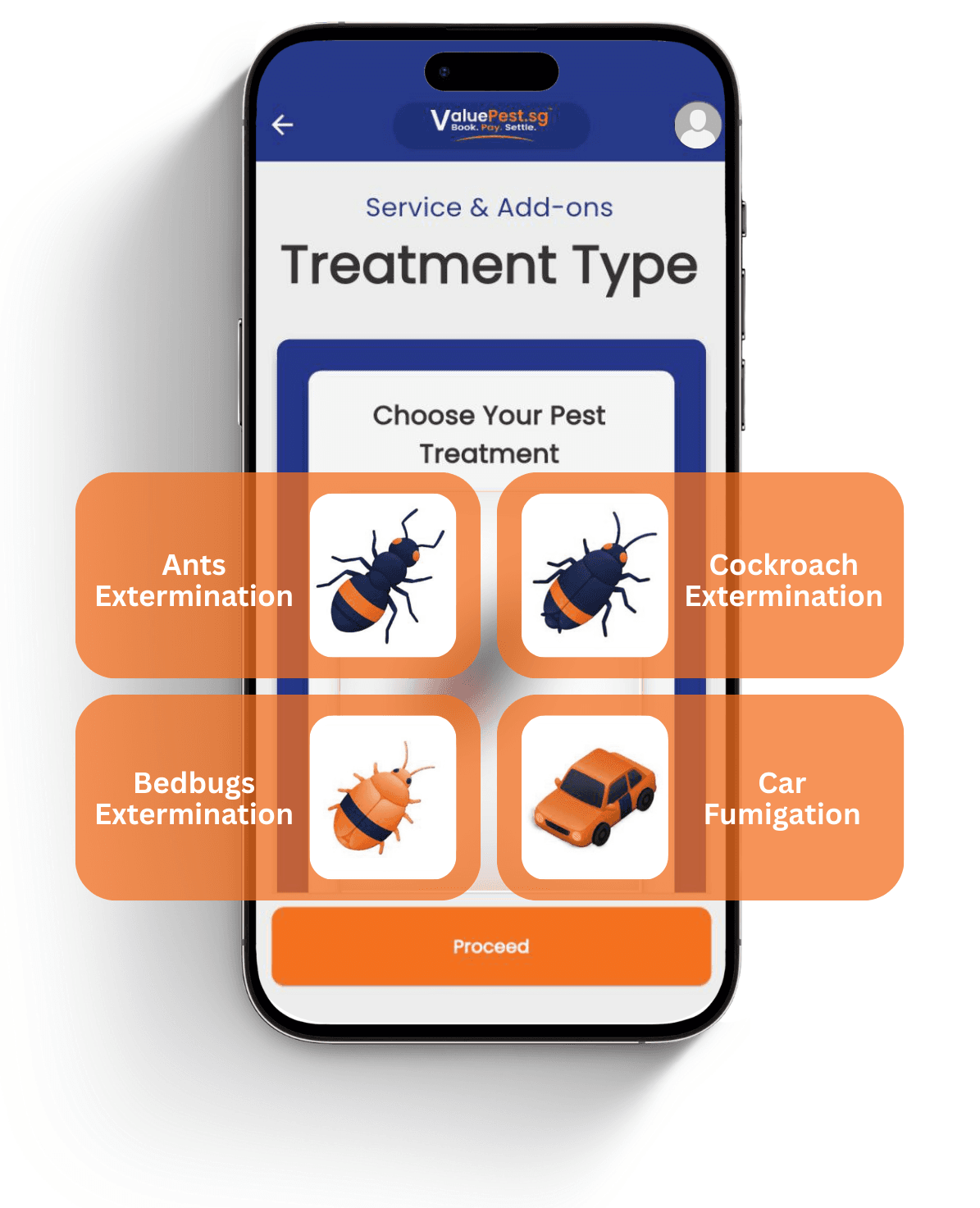
Sign in with Google, or Apple Sign-In on iOS. There is no long registration form or password to remember. Once logged in, select the treatment you need.
- Cockroaches
- Ants
- Bedbugs
- Car fumigation
- More pest services as they are added
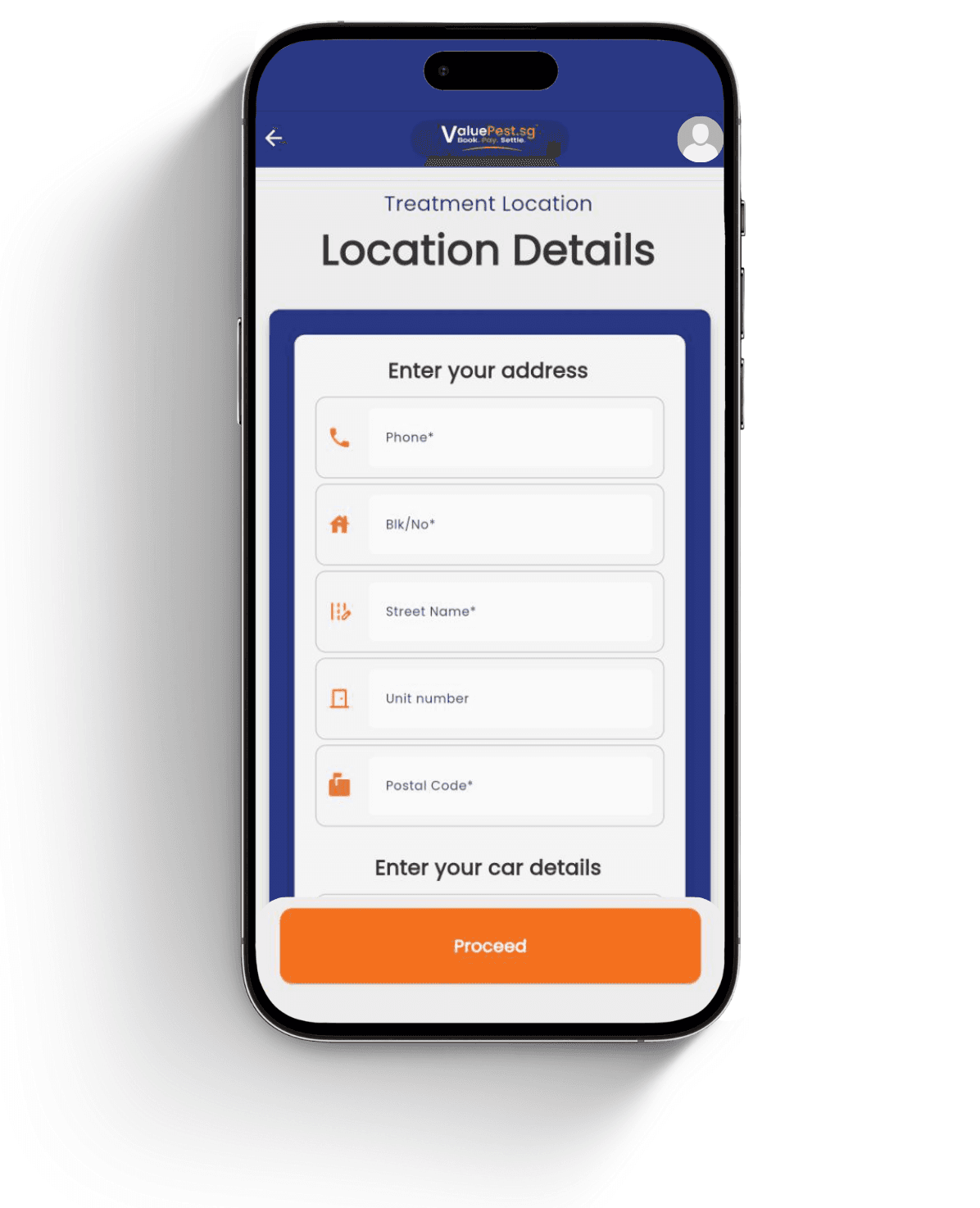
Step 2: Enter Your Location
Provide the service address so the booking flow can show suitable availability and help the team understand the property context.
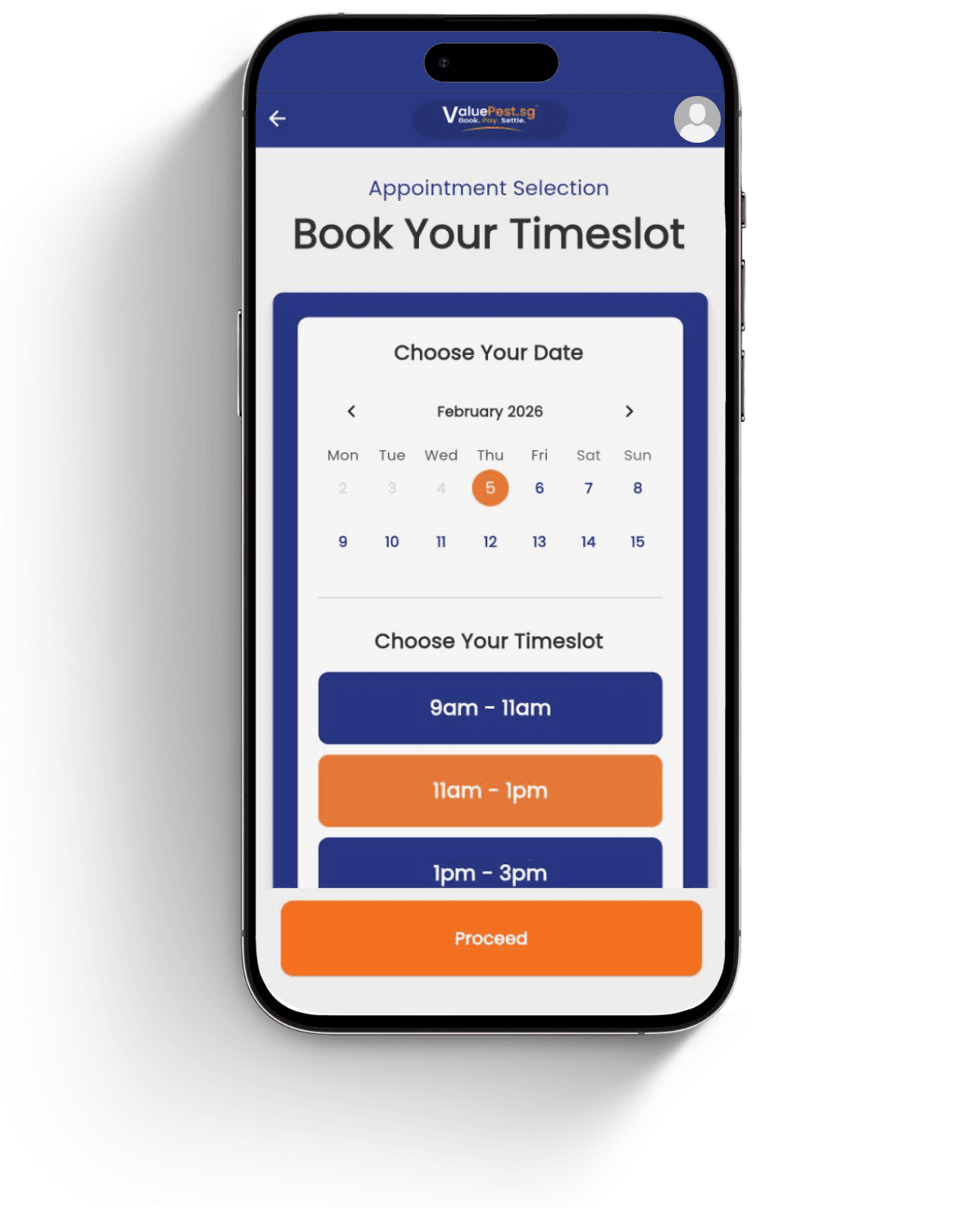
Step 3: Choose a Time Slot and Confirm Details
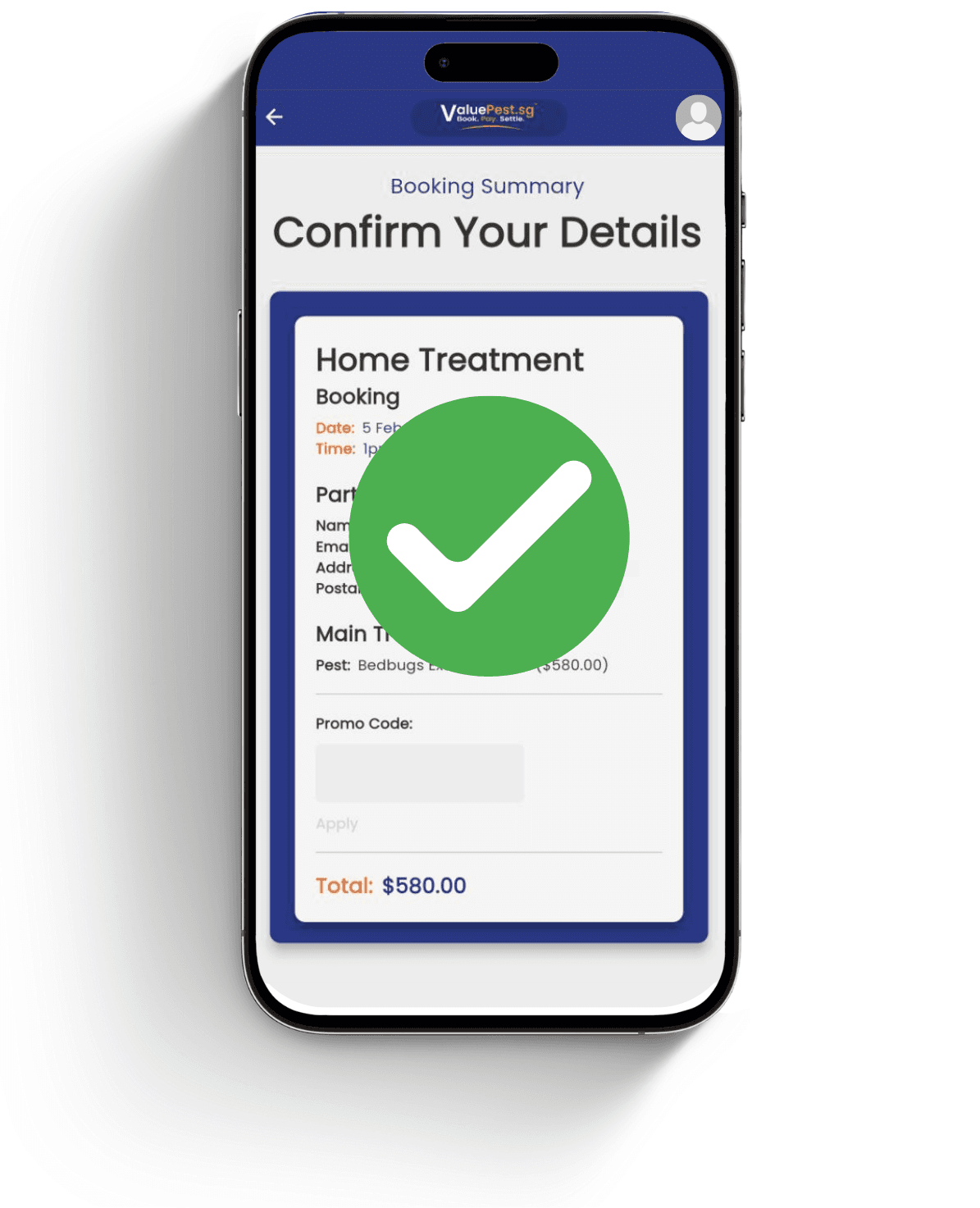
Choose your preferred time slot, review the pest issue and service information, then confirm the request before payment.
Step 4: Pay Securely and Get Confirmation
Complete payment through the app and keep the confirmation details for reference. The service flow is designed to reduce manual calls and back-and-forth.
Pricing and Account Access
Pricing is shown after secure login so customers see accurate availability and booking details for the selected service. iOS users can use Apple Sign-In or Google Sign-In, while Android and desktop users can use Google Sign-In.
Account Deletion
To request deletion of your account and its data, email pest@fidztech.com from the address you used to sign in, with the subject "Account deletion request". No app or login is needed to make the request.
If you email from a different address, say which sign-in address the request is for. Verification may be required before an account-related request is processed, so that nobody else can delete your account.
On deletion we remove your customer details. We retain only a reference to the booking, without any personal particulars, for the five years that Singapore law requires financial records to be kept.
You can also use this address for any question about the data held against your account.
- Email: pest@fidztech.com
- Subject: Account deletion request
- Include: the email address used for app sign-in